


Electronics
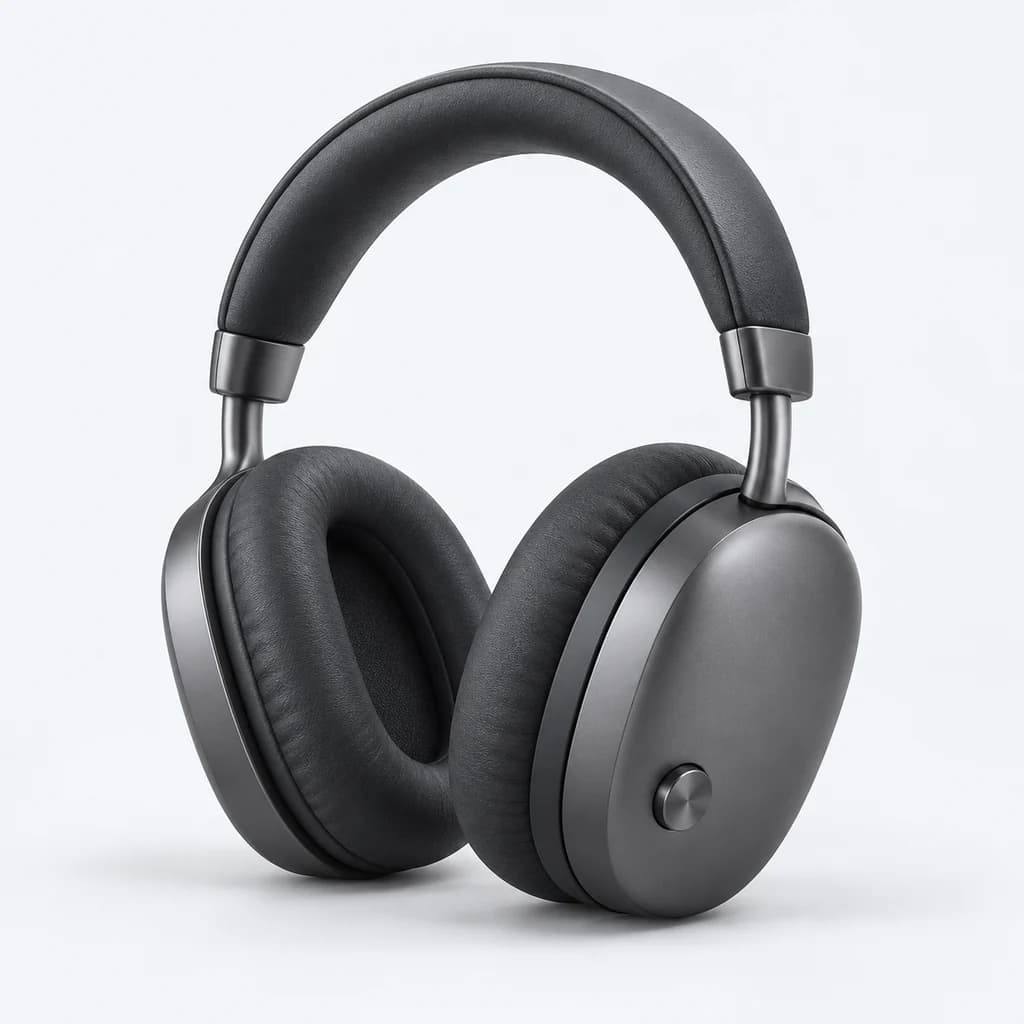
Brand, connection and product type. Keep useful specifications attached to every choice.
Search and filters for Shopify, built around your catalogue.
Available by request during our private preview.
12 products
Watch the choices narrow, then make them your own.
A preview of 12 real products, captured 2026-10-17. This example runs in your browser; it is not live inventory or a production AI or speed benchmark. View source storefront (a password may be required).
Start with your catalogue data: product fields, variant options and configured metafields.
Explore proposed groups for inconsistent values, with your team reviewing the configuration.
Choose what to show, set the order and review how filters appear on your Shopify store.
From search and filters to catalogue insights, explore the tools that shape a discovery experience on Shopify.
Explore the productSearch your catalogue, then narrow the results with configured filters.
Brand, connection and product type. Keep useful specifications attached to every choice.

From material to product type, build choices around the attributes in your catalogue.

Colour, size and price. Help shoppers narrow a collection using product and variant data.

Brand, category and price. Turn recorded product attributes into useful ways to browse.
Fashion uses real demo-store products. The other catalogues use illustrative products and photography.
Step-by-step guides to installation, filter configuration and publishing.
Browse documentationFollow a guided search, then explore the sample catalogue yourself.
Try the interaction sample Explore four working catalogues →
Move from product data to a reviewed storefront configuration. Explore one step at a time.
Four steps from catalogue data to a considered storefront. Select a step to see what to check.
Start with the attributes shoppers use to make a decision.
Create your first filterChoose the display, review the values and set their order.
Review filter typesInspect your choices before putting them in front of shoppers.
Read the preview guidePublish your reviewed draft, then check the storefront result.
Read publishing and rollbackCheck your catalogue sync, then choose the source for each filter option. Use product fields, variant options or a configured metafield.
Use the values in your own catalogue. A useful filter begins with consistent product data.
Request access and tell us about your catalogue.
